Best Facebook Messenger chatbots for Philippine businesses
By Asikaso AI · Published
On this page
If your Facebook Page gets more messages than your team can answer, a Messenger chatbot can reply for you, even after hours. But not every chatbot is built for the same job. Some are made for marketing flows. Others are made to answer real customer questions about your prices, availability, and policies.
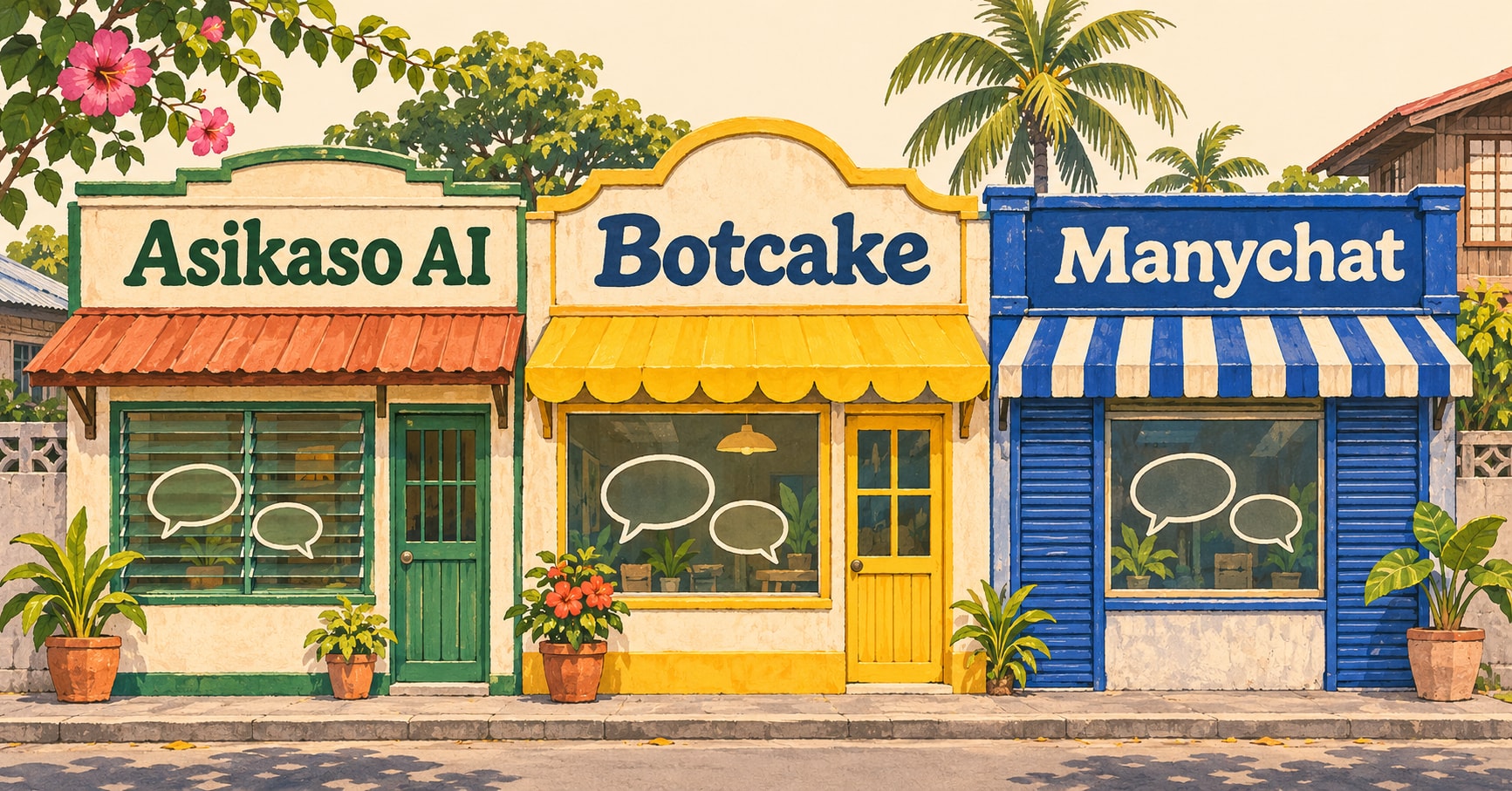
The right choice depends on three things: what you want the chatbot to handle, how much setup you are comfortable doing, and how the price grows as your business gets more messages. This guide compares three options Philippine businesses often consider, Asikaso AI, Botcake, and Manychat, so you can shortlist the right one for your Page.
Asikaso AI publishes this guide. We've compared our product alongside the alternatives as fairly as we can.
How to choose a Messenger chatbot for your Facebook Page
Before comparing tools, it helps to know which kind of automation you actually need. A customer messaging your shop might ask, “Nagde-deliver po ba kayo sa Makati?” Here is how each type of tool would handle it.
- Basic auto-reply
- Facebook's built-in replies send a fixed message, such as “Thanks for messaging! We'll reply by 9 AM.” It is free and sets expectations, but it can't understand the question itself.
- Rule-based chatbot
- The customer taps buttons like “Delivery” and then “Visayas” to see a prepared list of delivery areas. This works when your common questions fit a short menu, but someone has to build and maintain each path.
- AI chatbot
- It reads the customer's own words, checks the delivery areas in your business information, and replies in English, Tagalog, or Taglish. If it cannot confirm something, it asks a follow-up or hands the chat to your team.
If you are not sure what separates an AI chatbot from a traditional one, our guide to what an AI chatbot is explains it in more detail.
Once you know the type you need, compare tools on these five points:
- Customer questions: Can it answer questions customers type in their own words, using your products, prices, and policies?
- Business tasks: Can it capture leads and collect order or booking requests, not just send replies?
- Setup effort: What do you have to connect, write, and configure before it works, and how do you update a price later?
- Total cost: Which plan you actually need, how usage is measured, and what costs extra.
- Support: Where you get help, and whether anyone helps you set it up.
Comparison table
| Asikaso AI | Botcake | Manychat | |
|---|---|---|---|
| Best for | Answering inquiries, leads, bookings | High message volume | Custom marketing flows |
| AI on Messenger | Every plan | Paid plan, you configure it | Pro plan, inside a flow |
| Setup | Add your business info | Instructions + model settings | Build a flow + AI Step |
| Starting price with AI | ₱1,999/mo | Paid plan + AI per token | US$39/mo (about ₱2,500) |
| Usage counted by | AI replies | Messages + AI tokens | Active contacts |
| Bookings & orders | Order + booking requests; calendar booking add-on | Order conversations | Through flows or integrations |
| Staff takeover | Pause AI, team alerts | Pause bot, live chat | Live Chat |
| Tagalog & Taglish | Replies naturally | Depends on your AI setup | Depends on your AI Step setup |
| Support | Direct help from the PH-based founder | 24/7 advertised | Tickets from Essential |
Asikaso AI
Best for: Philippine businesses that mainly want customer questions answered, leads captured, and booking or order requests handled, without building flows.
Asikaso AI is an AI chatbot for Facebook Messenger, Instagram DMs, and websites. Instead of designing conversation paths, you give it your business information, such as services, prices, delivery rules, and FAQs, and it uses that to answer customers in English, Tagalog, or Taglish.
Replies the way your customers talk. Asikaso AI follows the language each customer uses, so a Taglish question gets a natural Taglish answer instead of stiff English. For example:
Customer: Hi! Nagde-deliver po ba kayo sa Makati?
Asikaso AI: Hi po! Yes, nagde-deliver kami sa Makati. Ano pong item ang gusto ninyong i-order?
Setup. Connect your Facebook Page, add your business information, and turn the AI on. You still need to provide accurate details, but you do not have to choose a model, write prompts, or build a flow. To change a price later, you edit that item and the AI uses the new value. Our guide to using an AI chatbot for customer service walks through the setup step by step.
What it handles. It answers inquiries 24/7, remembers the earlier conversation, sends follow-ups to interested customers, captures leads automatically, and collects order and booking requests. You can also send broadcasts to your contacts. The Booking Automation add-on goes further, checking availability, booking and changing appointments, and sending reminders.
Staff takeover. You can pause the AI in any conversation and reply yourself. Asikaso AI alerts your team when a customer asks for a person or a question needs human attention.
Local, founder-led support. Asikaso AI is built and run in the Philippines. You work directly with the founder, who helps set up your business information, reviews how the AI responds, and adjusts it as your business changes. When you need help, you talk to the person who builds the product, not a ticket queue.
“We’re very satisfied with Asikaso AI automation service for our 3 resorts and 1 property management business. [Irvan] responds quickly, is easy to communicate with, and is always willing to address issues and improve the system.”

Beverly Chavez
RCDC Property Management
Pricing. Plans are in pesos:
- Starter: ₱1,999/month, with 2,000 AI replies, one Facebook Page, one Instagram account, and one website.
- Essentials: ₱3,999/month, with 6,000 AI replies, three team members, comment reply automation, and personal onboarding and AI setup.
- Business: ₱7,999/month, with 14,000 AI replies and up to 15 team members.
Booking Automation starts at ₱799/month, and extra AI replies can be added. Every plan starts with a 14-day free trial.
Trade-offs. Asikaso AI includes broadcasts and automatic follow-ups, but it focuses on customer conversations rather than custom marketing journeys. If you want to design multi-step campaigns with quizzes or lead magnets, a flow builder may suit you better.
Botcake
Best for: Businesses that send a high volume of automated messages and are comfortable configuring an AI agent themselves.
Botcake, from the makers of Pancake, offers Messenger automation, lead capture, customizable flows, broadcasts, and an AI agent for commerce conversations.
Setup. After connecting your Page, you set up Botcake AI in an editor with tabs for instructions, tools, knowledge, and response behavior. The model panel lets you choose the AI model and adjust settings like temperature and maximum tokens. Botcake also documents a quick setup with templates. In our setup attempt, the AI editor required more technical decisions than we expected, and connecting the Page was confusing: we had to link our Facebook account before the Page appeared.
Pricing. Botcake's free plan includes 500,000 automated messages a month. For more, it sells a 3-million-message package for US$30 (about ₱1,900) that does not expire. Botcake AI is not included in the free plan, and AI usage is billed separately from a prepaid USD wallet, based on the model you choose and how many tokens each conversation uses. For example, it lists GPT-4.1 mini at US$0.40 per million input tokens and US$1.60 per million output tokens. That can be very cheap, but your monthly AI cost depends on how long conversations are, so it is harder to predict upfront.
Support. Botcake advertises 24/7 support, with priority support on paid packages. Some of its documentation opens in Vietnamese by default.
Trade-offs. The message allowances are generous and the AI controls are detailed. The cost of that control is a more technical setup, and the AI bill varies with usage instead of being a fixed monthly amount.
Manychat
Best for: Businesses that want to design marketing automation, such as lead magnets, quizzes, comment-to-DM campaigns, and multi-step sequences.
Manychat is a popular automation platform for Messenger, Instagram, and other channels. Its visual Flow Builder connects triggers, messages, buttons, and actions, and its templates give you a starting point for common marketing campaigns.
Setup. After connecting Facebook, Manychat asks a short quiz about your Page and goals, then shows its plans. AI on Messenger is not a switch you turn on. You open an automation, add an AI Step, give it a goal, instructions, and business context, then connect a trigger. Manychat's separate AI Replies feature, which answers from a knowledge library, is currently labeled a beta for Instagram only. For an owner who mainly wants inquiries answered, this means more building before the first AI reply.
Pricing. Manychat charges in US dollars and counts active contacts, meaning people who interact with your automations in a month:
- Free: 25 active contacts, no AI.
- Essential: US$17/month (about ₱1,100), 250 active contacts, no AI.
- Pro: US$39/month (about ₱2,500), or US$29/month (about ₱1,800) billed annually, with 2,500 active contacts and AI.
- Business: US$99/month (about ₱6,300), or US$69/month (about ₱4,400) billed annually, with 7,500 active contacts.
Pro has a published overage of US$0.05 per additional active contact. Taxes may apply at checkout.
Support. The Free plan uses the help center and community. Ticket support starts on Essential, and Business and Advanced get priority responses.
Trade-offs. Manychat gives you the most control over marketing flows and has templates for growing your audience. That flexibility comes with more setup work, and AI on Messenger requires a paid plan and an automation you build yourself.
Which should you choose for your Facebook Page?
Start with the job you want the chatbot to do:
- Choose Manychat if your priority is marketing automation you design yourself, such as lead magnets, quizzes, and multi-step follow-up sequences, and you are comfortable building flows.
- Choose Botcake if you need very large message volumes at low cost and are comfortable configuring an AI model and managing usage-based AI charges.
- Choose Asikaso AI if you want AI to answer everyday customer questions in natural Taglish, capture leads, and handle booking or order requests, with pricing in pesos, a setup that only asks for your business information, and direct support from a local founder.
For many Philippine businesses, the last option is the closest fit. Their customers ask the same questions all day, about prices, availability, delivery, and schedules, often in Taglish and often after hours. If that sounds like your Page, the fastest way to decide is to try it with your own questions.
Let AI answer your Messenger inquiries
Set up in minutes with your business information. Replies in English, Tagalog, and Taglish, with help from a local founder. Start with a 14-day free trial.
Compare plans and pricing →How we compared: we reviewed each product's public pricing and documentation, and signed up for Botcake and Manychat ourselves to see what setup involves. Prices were checked in November 2026 and can change, so confirm them before you buy. Peso amounts are approximate, at about ₱63.5 per US$1.